
If you have an iPhone, it’s worth checking for a software update today. On October 26, 2026, Apple released iOS 27.2, a version that includes important security fixes. At the same time, it also released updates for certain older devices running earlier versions of iOS.
You don’t have to be an expert to protect your phone. It only takes a few minutes to check which version you have and whether an update is available.
What does iOS 27.2 fix?
In the official release notes, Apple lists issues related to privacy, apps, Bluetooth connectivity, and content management.
- App Data: Fixed cases where malicious apps could, under certain conditions, gain access to sensitive information.
- Bluetooth: A vulnerability that could allow a malicious app to gain access without the required consent has been addressed.
- App Store and Web Content: Controls related to the security of content execution have been strengthened.
- Photos and files: Fixed bugs that could cause an app to unexpectedly close when processing specially crafted data.
These technical descriptions pertain to potential exploitation scenarios. They do not mean that every iPhone has been compromised. For this reason, however, security updates should not be delayed without good reason.
Which iPhones are eligible for iOS 27.2?
According to Apple, iOS 27.2 is available for the iPhone 11 and newer models. If you have a compatible iPhone, go to Settings to check which version is available for your device.
For users who are still on another supported software branch, Apple also released iOS 26.7.2 on October 26. For older iPhone XS, XS Max, and XR models, the security update is listed as iOS 18.7.11.
Note: Not all iPhones install the same version. You should install the update that appears as available for your specific model and device, not some random file from the internet.
How to Update Your iPhone – Step by Step
- Create a recent backup to iCloud or your computer.
- Connect your iPhone to Wi-Fi and, ideally, to a charger.
- Open Settings → General → Software Update.
- Wait for the check to complete. If an update is available, read the details.
- Tap Download and Install, then follow the on-screen instructions.
Do not interrupt the process while the update is installing. If your phone indicates that it does not have enough storage space, follow the official options provided instead of hastily deleting personal files.
What if iOS 27.2 doesn’t appear?
This doesn’t necessarily mean there’s a problem. Your model may require a different version, you may have already installed the appropriate update, or you may need more available storage space and a stable internet connection.
Also, if you’re in a software beta program, check the “Beta Updates” setting before selecting a version. For everyday use, opt for the stable update officially provided by your device.
Do you need to do this right away?
Regularly installing security updates is one of the simplest steps you can take to protect your photos, accounts, personal data, and online transactions. There’s no need to panic, but it’s a good idea to check your iPhone and schedule the update.
For more instructions, see Apple’s official guide in Greek.
Sources: Apple – Security Updates · Apple – What iOS 27.2 Fixes.
One more useful iPhone check: See how to find and cancel forgotten subscriptions that keep charging your card.
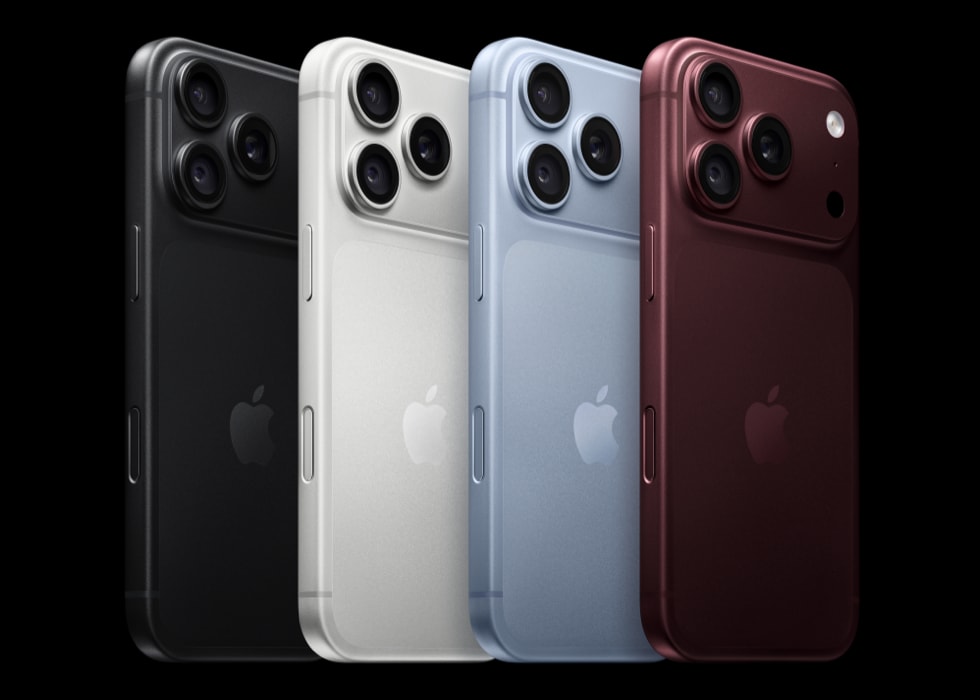
Image: Apple (illustrative photo of the iPhone 18 Pro).