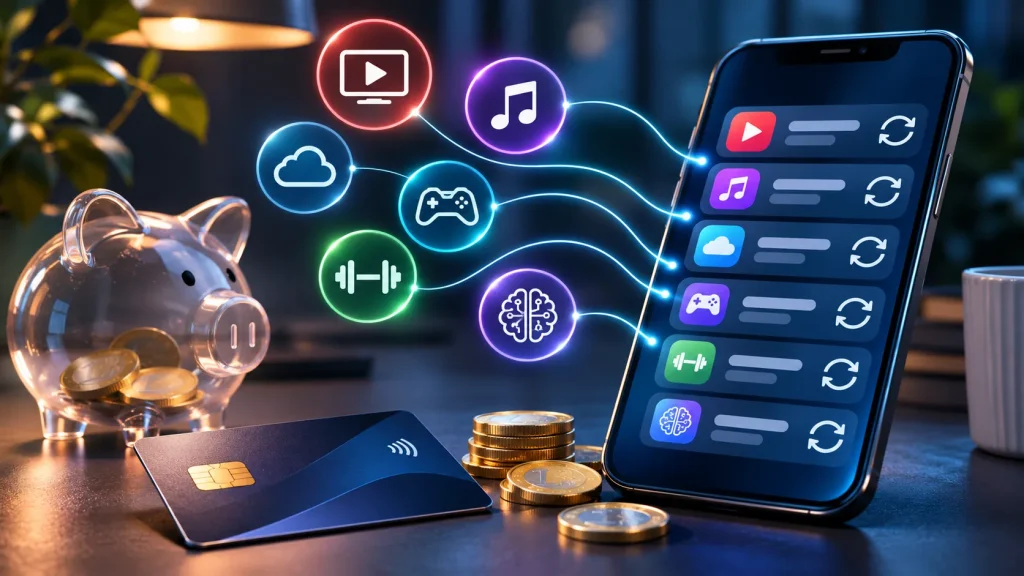
A small monthly charge barely registers. But when several forgotten subscriptions renew together, the total can be surprisingly expensive. Here is how to locate the payments, identify who bills you and cancel the right service.
You check your bank statement and spot a payment to a service you haven’t opened in months. It’s only a few euros, so you leave it for another day. Next month, it’s back.
Streaming, cloud storage, fitness apps, AI tools, games and premium features can all be useful. The problem begins when you stop using them but the renewal carries on.
The goal isn’t to cancel everything. It’s to understand which services you pay for, which ones you still need, and who actually controls the billing.
Where do forgotten subscriptions hide?
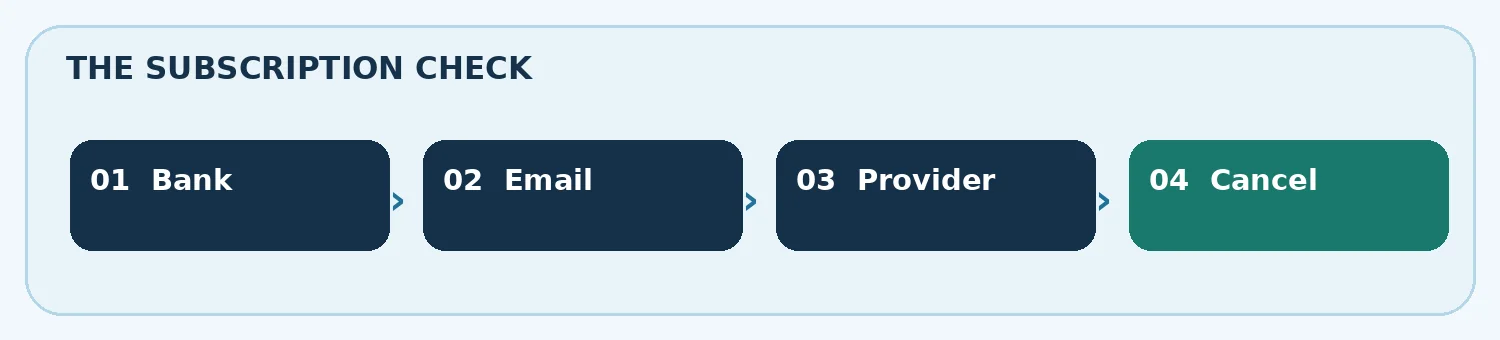
There is no universal list covering every subscription attached to your card. A payment may have been arranged through Google Play, Apple’s App Store or the company’s own website. Start with three sources: your bank, your inbox and your app-store accounts.
- Bank or card statement: review at least three months and look for the same merchant or similar amount on repeat dates.
- Email: search for subscription, renewal, receipt, invoice, trial ending and the name printed beside the payment.
- Account check: if you have more than one Google or Apple Account, check each. The subscription may belong to an older email address.
Android: deleting the app does not end the bill
Google explicitly warns that uninstalling an app does not cancel its Google Play subscription. To stop a renewal, use the account that made the purchase.
- Open Google Play and check the signed-in account.
- Go to Payments & subscriptions → Subscriptions.
- Choose the relevant plan and select Cancel subscription.
- Complete the on-screen confirmation and keep the email or screenshot.
If nothing appears, the subscription might belong to a different Google Account or may have been purchased directly from the service.
iPhone: where the cancellation actually happens
For Apple-billed subscriptions, open Settings → your name → Subscriptions. Select the service and choose Cancel Subscription if that option appears.
Apple explains that an absent cancellation button or an expiry notice can mean the plan has already been cancelled. If you can’t locate the charge, search for an Apple receipt and check which Apple Account appears. If a different company billed you, that company is the place to request cancellation.
What if the charge isn't on Google Play or Apple?
Many web services bill cards directly, even when you use their apps on a phone. Sign in to the official service and look for Billing, Subscription, Membership, Plan or Account.
Check the renewal date, whether the agreement includes a minimum term, and whether cancelling affects access immediately or at the end of a paid period. Keep a copy of the confirmation. Blocking a card payment is not necessarily the same as ending a contract.
Three tiny payments can become a substantial yearly bill
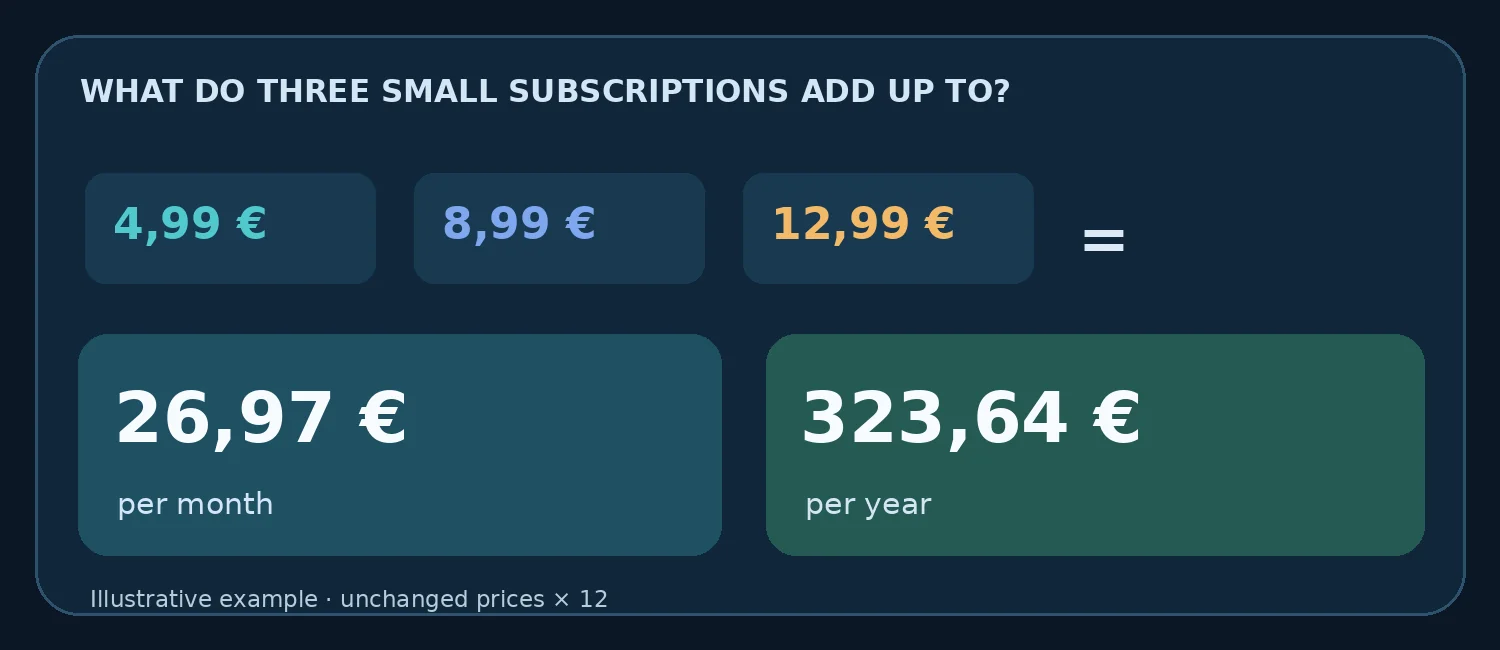
Consider a fictional example: three subscriptions at €4.99, €8.99 and €12.99 per month. Together that’s €26.97 monthly, or €323.64 over twelve months if prices do not change.
That’s not automatically wasted money. A service you genuinely use may be worth every cent. But the example shows why a quick monthly review can be more effective than hunting for one spectacular saving.
Don't recognise the transaction at all? Treat it differently
A forgotten purchase is not the same as an unauthorised one. If the merchant and charge mean nothing to you after checking accounts and receipts, contact your bank promptly through its official app, number or website. Ask about investigating or disputing the payment. Avoid links in unexpected messages requesting card details or passwords.
Why some subscriptions are hard to spot
European consumer authorities have examined deceptive design techniques known as dark patterns. During a 2022 sweep of 399 retail sites and apps, authorities found 148 using at least one of three examined types. In 23 cases, essential information was hidden to steer people towards a subscription.
Those figures describe the selected sites in that 2022 exercise; they are not an estimate of how many websites behave this way today. They do show why clearly checking the price and renewal terms matters.
A ten-minute subscription check worth doing today
- Scan recent card payments for recurring merchants and amounts.
- Check Google Play, Apple and any services billing you directly.
- Write down the service, recurring cost and next billing date.
- Cancel anything you no longer need using the actual provider’s process.
- Save the confirmation and verify what happens on your next statement.
There is no need for a paid subscription tracker to get started. The useful first step is simply making the invisible charges visible again.
Quick answers
Not necessarily. Google Play subscriptions have to be cancelled through the relevant subscription settings.
Check your other accounts, email receipts and the service provider. The payment may not go through the app store.
No. Ending future renewals and refunding past charges are separate questions governed by the provider terms and applicable consumer rights.