

All it takes is a reservation email for the AI to suggest restaurants near your hotel. Handy. But what else are you allowing when you connect your inbox?
On October 16, 2026, Google added an important clarification to an earlier announcement regarding Gemini and Workspace apps. It concerns linking Workspace apps to other Google services and the use of data for personalization.
Here’s what you need to know
The update states that if a user enables these new integrations, data from Workspace apps may be used to personalize other Google experiences. Depending on the settings, the same subset of data may also be used to train generative AI models.
This does not mean that every Gmail account is automatically linked or that the same rule applies to every Gemini product and every corporate subscription. We need to examine which service is linked, to which account, and with which settings.
The same inbox can be used across different products
The word “Gemini” appears on many screens. This can easily give the impression that there is a single rule for every use case. In practice, we need to look at the specific feature and the context in which we’re using it.
In the official documentation for Gemini within Workspace apps, Google states that, for the described user features with Google AI plans, the content used to generate a response is not used to train or improve generative AI models. The same page clarifies that the option to share personal account data with Gemini Apps or Search for Personal Intelligence is subject to the terms and policies of those services.
There are also separate terms for the Workspace Experiments program. Therefore, a consent statement you read for a specific feature within Gmail should not automatically apply to every other connection that is suggested to you.
The key question on the consent screen is specific: “Which product am I granting access to right now?” The company name alone does not describe the entire data flow.
What Google Explains About Search
On the relevant help page for Search services, Google describes optional personal account linkups. It clarifies that it does not train models directly on the entire inbox. However, it may use summaries, excerpts, and conclusions from relevant emails and files that are incorporated into the responses. In some cases, a short email may be included verbatim in a summary.
The documentation also provides for human review of a portion of the relevant data, with measures to restrict personal information.
Is it available in Greece?
Greece is not included in the list of supported countries for these Search links, which we checked on October 20, 2026. The presence of Greek on the list of languages does not indicate availability in the country. Google notes that the service is being rolled out gradually.
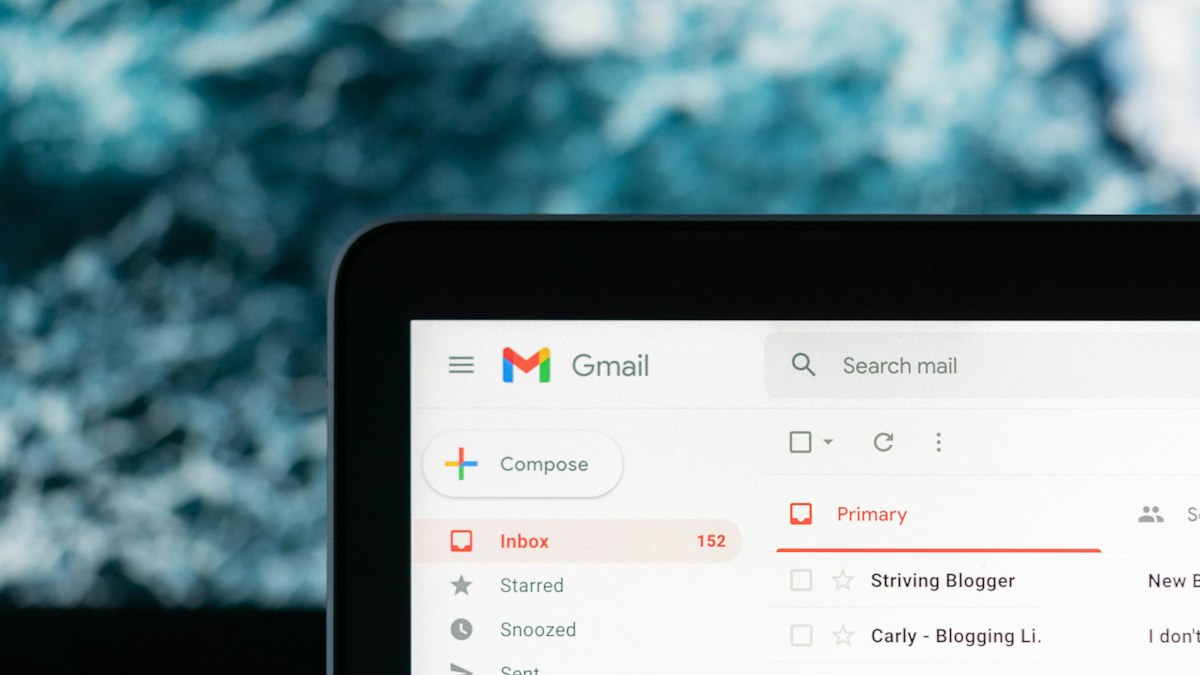
Why a simple message can say so much
Imagine, as a hypothetical example, an email confirming a family trip. It includes the destination, dates, and number of guests. From this information, an extremely useful response can emerge: where to eat near the hotel or how to plan your day.
To you, it’s just one message among thousands. To a personalized service, it’s context that helps it understand what you need. That’s exactly why the experience can be so convenient—and why it’s worth consciously choosing to connect.
In a professional inbox, the same question becomes even more specific. An offer might reveal a negotiation. A chain of replies might contain third-party information. Access to this information isn’t just about whether the AI will provide you with an accurate summary—it’s also about the uses permitted by the product’s terms of service.
Three distinct decisions lie behind this convenience
First is the use for the task you requested: finding a reservation or summarizing a conversation. Next is the personalization of other experiences. And finally, the potential use of data to improve the service or train models, where permitted by the terms and options.
These are not interchangeable. The first option may suit you perfectly, while you may want to carefully consider the rest. That’s why the safest way to read a license isn’t “does this help me or not?”, but “exactly what use am I authorizing?”.
Before connecting an inbox
Consider a hypothetical business email containing an offer, a customer’s phone number, and an attached agreement. Looking up the delivery date and using the content for other purposes are two different decisions.
BEEGITAL’s practical recommendation is to read the access permission with this exact question in mind: What data will be extracted from the original task, and for what purpose? Check the account type, the destination service, and the available options separately.
Convenience is valuable when you know what you’ve authorized. A blanket “yes, connect everything” doesn’t replace this choice.
Featured photo: Glenn Carstens-Peters / Unsplash.